


For hosting providers and domain resellers, efficiency is not just an afterthought. It is the deciding factor in whether you can grow your business successfully or get buried under daily administrative tasks.
Last year, we established a vital link between your billing platform and a global domain infrastructure with the official OpusDNS WHMCS Plugin. Since then, we have continuously expanded the module through consistent updates and new features to keep pace with the evolving hosting landscape. By closing the gap between billing and technical provisioning directly within their systems, numerous users have already been able to significantly simplify their workflows.
To understand why this integration is so important for modern hosters, one has to look at the entire ecosystem.
Why use WHMCS as a platform?

Anyone working in the hosting sector can hardly bypass WHMCS (Web Host Manager Complete Solution). Since its founding in 2003, the software has become the global standard and serves as the digital backbone for tens of thousands of companies.
But what makes the platform so essential? WHMCS is far more than just a billing system; it is an all-in-one solution that centralizes all critical areas of a hosting operation:
- Automated Provisioning: Once a client orders and pays, the system automatically sets up hosting packages or servers (e.g., via cPanel or Plesk).
- Centralized Client Management: From initial registration and support tickets to a dedicated client self-service portal, everything is handled through a single interface.
- Invoicing & Billing: The system generates recurring invoices, processes payments via gateways like PayPal or Stripe, and even handles automatic account suspensions in case of late payments.
The ultimate goal is total relief in daily operations, ensuring that routine tasks do not hold back the team and that human errors in data entry are minimized. However, the downside is that such automation is only as strong as its interfaces. A powerful billing system is of little use if the connection to the domain registrar lags, data is not synchronized, or manual corrections are required in the background. This is exactly where our plugin comes in, making the domain infrastructure an integral, silent part of your WHMCS environment.
Unified Domain Operations directly in WHMCS
We believe a domain registrar should be an invisible part of your WHMCS environment, not a separate tool that requires a manual login. The OpusDNS plugin enables exactly this invisibility. In a clean DevOps environment, you want to interact with the infrastructure as little as possible once it is configured. Our plugin manages the complex API communication, error handling, and synchronization completely autonomously.
Whether your clients are registering new domains, transferring portfolios, or updating nameservers – the requests are processed instantly. You stay in WHMCS; we handle the rest.
“Automation allows no room for error. We built this plugin to ensure maximum stability for your hosting business. Synchronization and real-time updates run silently in the background so you never have to second-guess your infrastructure."
— Zoltan Egresi, Frontend & Backend Developer at OpusDNS

Advanced Domain Management Features in Detail
We go beyond basic registration to ensure that day-to-day management is fully automated. This prevents the typical data inconsistency that often occurs when the registrar and billing systems get out of sync. This is how we optimize your business operations:
- DNS Zone Management, Templates & DNSSEC: You can manage full DNS zones directly within WHMCS. To reduce support tickets, we included over 30 pre-configured DNS templates for popular services like Google Workspace, Microsoft 365, Shopify, and GitHub Pages. Plus, we support full DNSSEC automation without the cryptographic headache.
- Smart Suggestions & Lookup Provider: Our integrated Suggestion Engine automatically offers relevant alternatives when a user's first choice is taken, increasing your conversion rates significantly.
- Automated TLD & Pricing Synchronization: The plugin pulls data directly from the OpusDNS API, automatically synchronizing prices for registration, transfers, renewals, as well as Grace and Redemption period fees.
- Registrant Contact Management: You can manage domain owner contact details directly within WHMCS. This reduces synchronization errors between your billing data and the actual WHOIS data, ensuring compliance.
- Instant Domain Activation: Our plugin ensures that registration requests are processed in seconds. When your client pays, the domain is live immediately.
A Modern Open Source Registrar Module for Developers
Our plugin covers every aspect of domain management required by modern hosting providers. All essential functions are already fully integrated:
- Core Operations: Domain Registration, Renewal, and Deletion
- Advanced DNS: Zone Management, 30+ Templates, and DNSSEC Support
- Transfer Logic: Automated Domain Transfers and EPP Code Retrieval
- Management: Nameserver Management, Registrar Lock, and Contact Management
- Localization: Multi-language support (English, German, Romanian)
- Sync & Automation: TLD & Pricing Sync, Expiration Date Sync
- Sales: Real-time Availability Checks & Domain Suggestion Engine
If you would like to learn more about the technical features, you can find all the details on our dedicated WHMCS plugin subpage.
Getting Started with Automated Domain Management
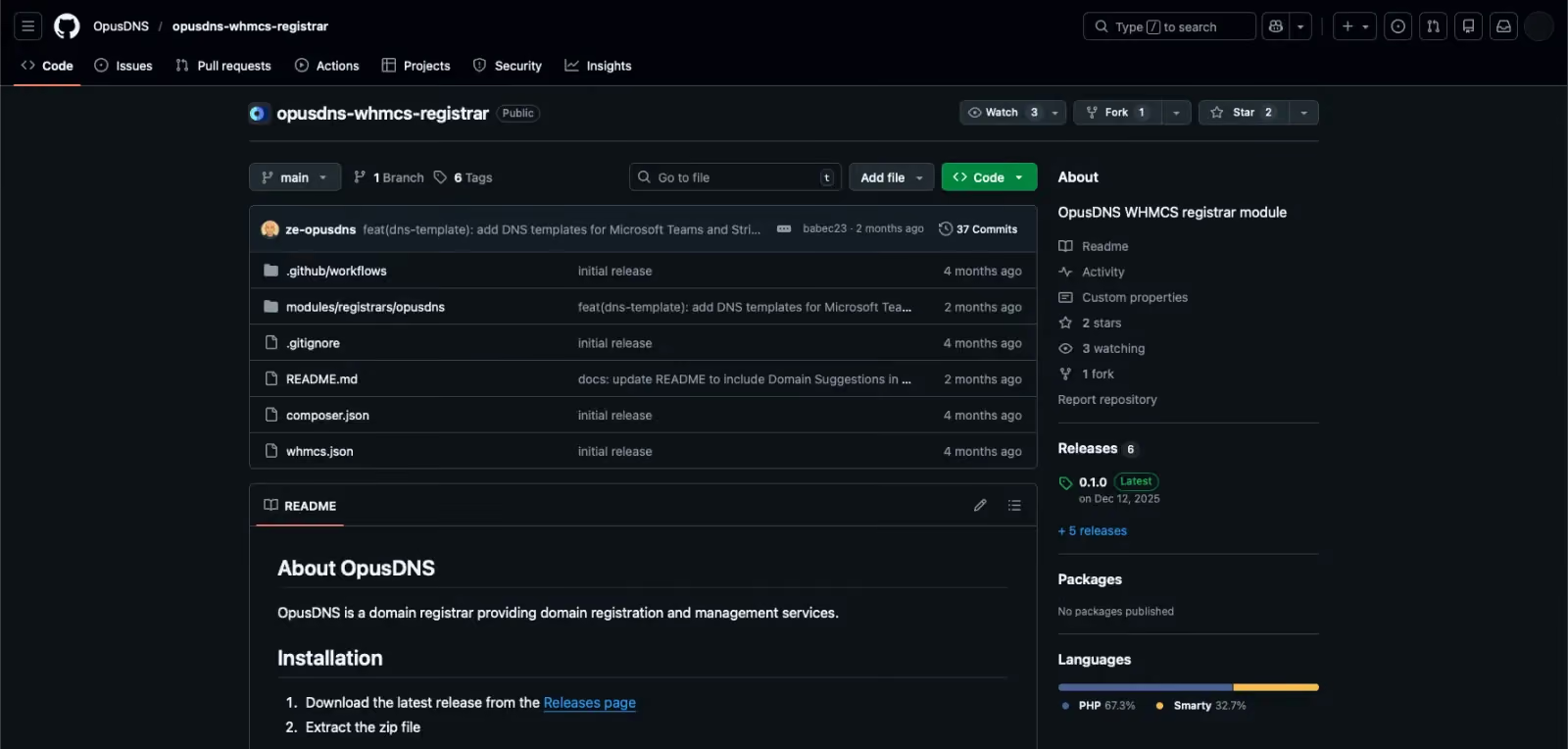
The plugin is ready for your production environment and can be installed in three simple steps:
- Download the latest release from our GitHub repository.
- Upload the files to your WHMCS modules directory.
- Enter your OpusDNS API credentials in the setup menu.
Stop managing domains in two places and unify your infrastructure today: Download via GitHub
Need assistance? For step-by-step "How-to" guides and frequently asked questions, visit our Knowledgebase regarding WHMCS Integration.